iPhone Duo screenshots
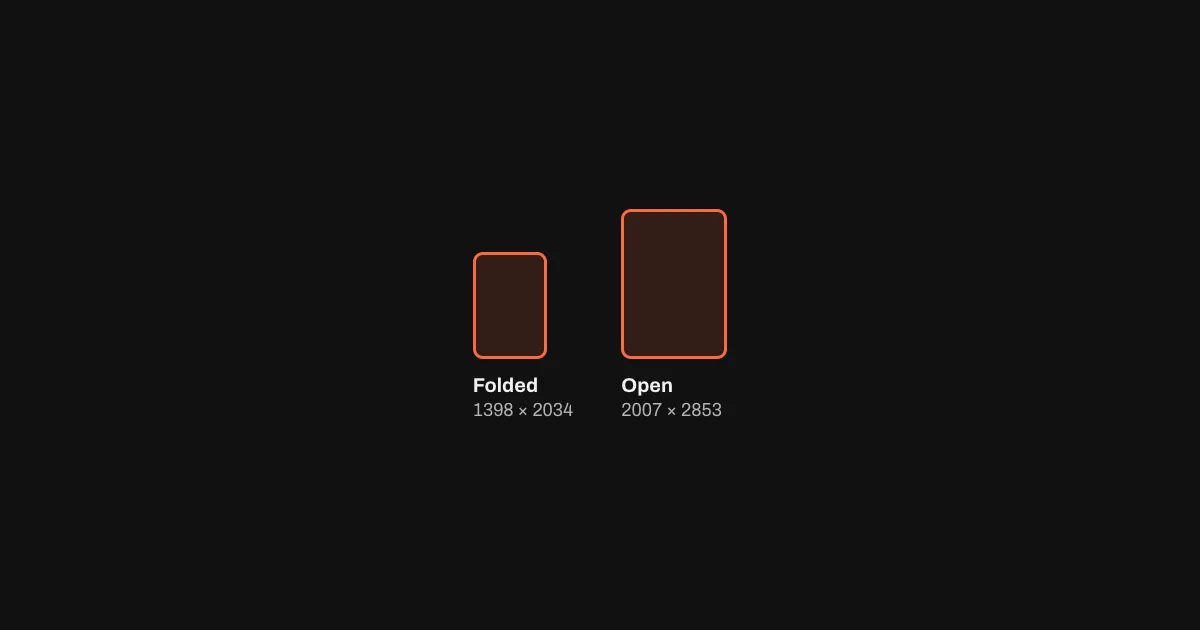
The iPhone Duo needs two sets: 1398 × 2034 for the folded phone and 2007 × 2853 for the open one. Apple requires them from April 2027. Pick a template: below, one design is rendered at both sizes in your browser.
What Apple asks for
| Display | Portrait (px) | Landscape (px) | First file in the export |
|---|---|---|---|
| Foldedouter display | 1398 × 2034 | 2034 × 1398 | iPhone Duo/en-US/01_iPhoneDuo.png |
| Openinner display | 2007 × 2853 | 2853 × 2007 | iPhone Duo/en-US/01_iPhoneDuoOpen.png |
- Required from April 2027For every app built with the iOS 27.1 SDK or later.
- A badge for your product pageOnce you submit iPhone Duo screenshots, your App Store page shows that the app is optimized for iPhone Duo.
- Two screens, two setsThe folded phone and the open one each need their own screenshots. Captions get more room on the larger inner display.
- Exact sizes onlyApp Store Connect rejects any other size, so a resized iPhone screenshot won't pass.
Source: Apple, Screenshot specifications. Checked 28 October 2026. Every other App Store size: App Store screenshot sizes.
Make them from the set you have
- Keep your designOpen your iPhone set in Storeglow, or paste your App Store link to start one.
- Add iPhone DuoPick both iPhone Duo sizes among the export sizes. Drop in captures from the Duo if you have them; otherwise your iPhone captures are used.
- Upload by handThe
iPhone Duo/folder holds both sizes for every language. Drag each into App Store Connect.
Device frames for both: iPhone Duo mockup · iPhone Duo open mockup
Questions
When are iPhone Duo screenshots required?
From April 2027, for apps built with the iOS 27.1 SDK or later. Until then they're optional, and a set you upload earlier already earns the iPhone Duo badge on your product page.
What size are iPhone Duo screenshots?
1398 × 2034 pixels for the folded phone's outer display and 2007 × 2853 for the inner display when it's open, or the same turned sideways. Apple lists one size for each.
Can I upload my iPhone screenshots instead?
No. App Store Connect takes only the exact sizes above, and an iPhone screenshot such as 1320 × 2868 is a different shape. In Storeglow your iPhone design renders at both Duo sizes; where an iPhone capture is taller than the Duo's screen, it keeps its top with the status bar and heading.
How do I upload them?
By hand for now: neither fastlane nor the App Store Connect API takes iPhone Duo screenshots yet. The export puts them in their own iPhone Duo/ folder, one subfolder per language, to drag into App Store Connect.