Google Play feature graphic generator
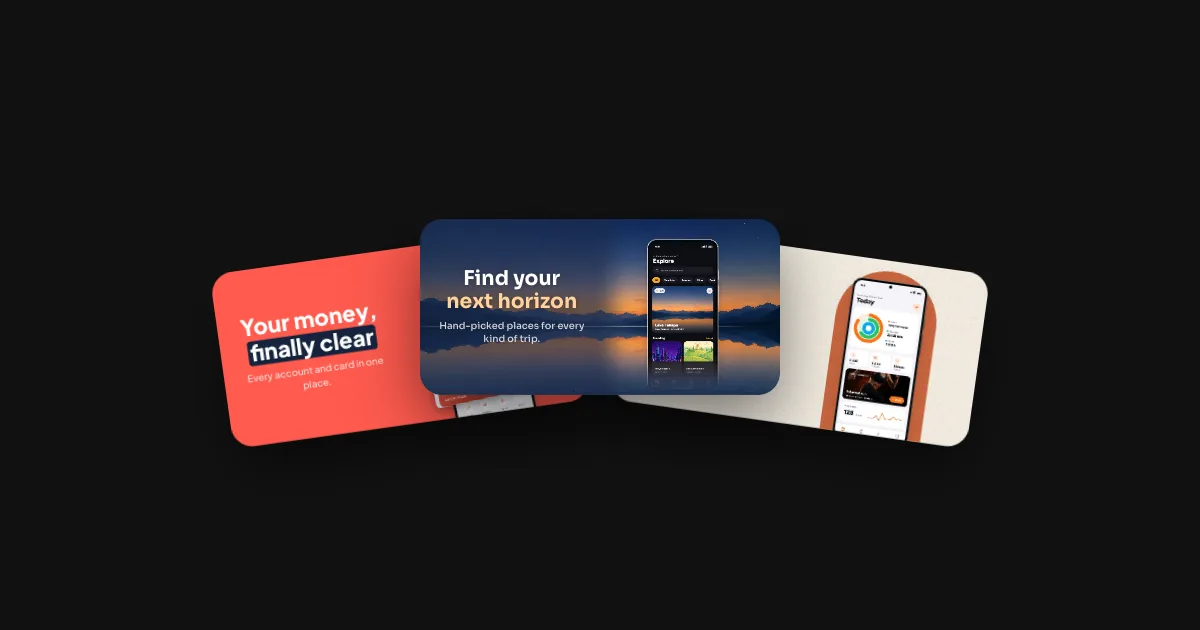
The 1024 × 500 banner at the top of your Google Play listing, built from the same design as your screenshots, in 39 languages. Pick a template: it renders below in your browser.
What Google asks for
- 1024 × 500 pixelsExactly this size, landscape.
- FormatJPEG or 24-bit PNG, no alpha, so no transparent areas.
- One, requiredSits on top of your listing and in promotions.
- No promises in the pictureRankings, awards, prices, sales and calls to action keep a graphic out of Google Play's promotions.
Source: Play Console Help, Add preview assets. Checked 28 October 2026. Every other Google Play size: Google Play screenshot sizes · Phones and tablets from the same design: Google Play screenshot generator
Compared with other tools: Storeglow vs Screenhance · Storeglow vs AppLaunchpad · Storeglow vs AppScreens
Questions
What size is the Google Play feature graphic?
Exactly 1024 × 500 pixels: JPEG or 24-bit PNG, no alpha. Every listing needs one.
Where does Google Play show it?
At the top of your listing and in Google Play's promotions, so it's often the first picture of your app people see.
What text is allowed on it?
Google Play doesn't promote graphics with rankings like “#1”, awards, prices, sales, “new” or calls to action like “download now”. Storeglow's store check points them out in your captions before you export.
Is the feature graphic generator free?
Designing is free, every template included. Exporting needs a free account; the free plan covers one language, and every language comes with the Launch Pass at €15.