Google Play screenshot generator
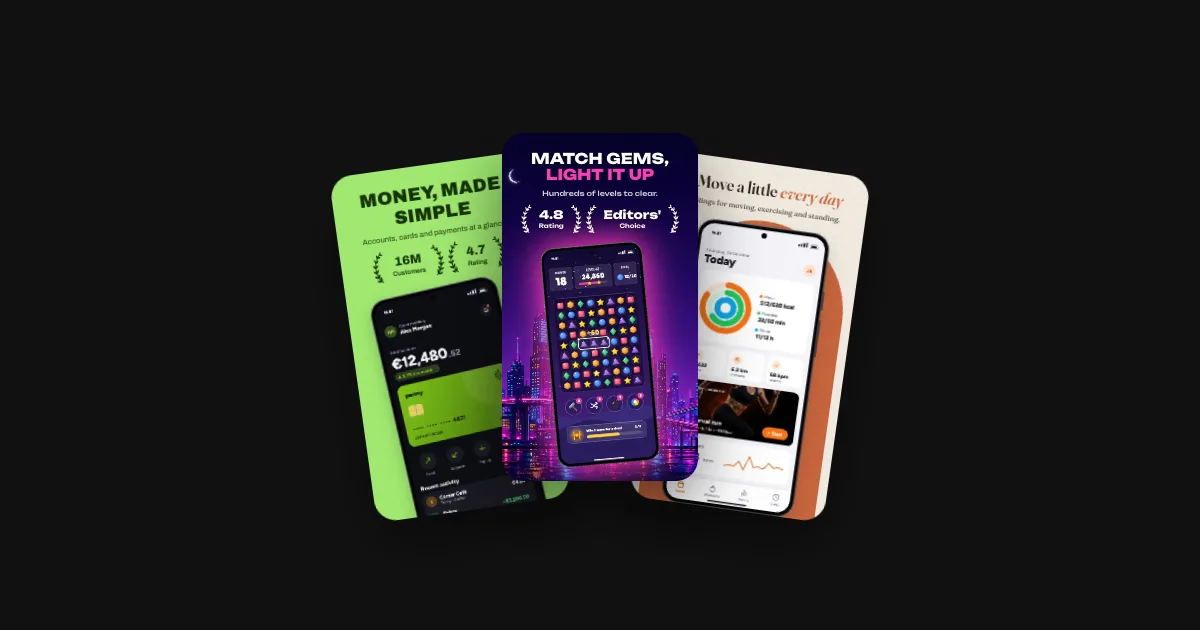
Phone screenshots, tablet screenshots and the feature graphic from one design. Pick a template and a language: everything below is rendered in your browser.
Every Google Play size, from one design
| Asset | Size (px) | Landscape (px) | First file in the export |
|---|---|---|---|
| Phone9:16 | 1080 × 1920 | 1920 × 1080 | fastlane/metadata/android/en-US/images/phoneScreenshots/1.png |
| Phone tall1:2 | 1080 × 2160 | 2160 × 1080 | fastlane/metadata/android/en-US/images/phoneScreenshots/1.png |
| 7" tablet9:16 | 1080 × 1920 | 1920 × 1080 | fastlane/metadata/android/en-US/images/sevenInchScreenshots/1.png |
| 10" tablet9:16 | 1440 × 2560 | 2560 × 1440 | fastlane/metadata/android/en-US/images/tenInchScreenshots/1.png |
| Feature graphicuses screen 1 | 1024 × 500 | – | fastlane/metadata/android/en-US/images/featureGraphic.png |
Google's rules for each asset, and a checker for your own files: Google Play screenshot sizes.
Compared with other tools: Storeglow vs Screenhance · Storeglow vs AppLaunchpad · Storeglow vs AppScreens
Questions
Is there a free Google Play screenshot generator?
Storeglow is free to design with: every template, every size, no account needed until you export, then a free one. The free plan covers 1 app in 1 language, and your first exported set has no watermark. More languages start with the Launch Pass at €15.
Which Google Play sizes does it make?
Phone screenshots at 1080 × 1920, phone screenshots at 1080 × 2160, 7" tablet at 1080 × 1920, 10" tablet at 1440 × 2560 and feature graphic at 1024 × 500, plus landscape versions of the phone and tablet sizes for games.
Does it make the Google Play feature graphic?
Yes, at exactly 1024 × 500 pixels, built from your first screen with the same background, caption and colours. Every listing needs one.
Can I use the same design for the App Store?
Yes. The same set renders at every App Store size too, for example 1320 × 2868 for the iPhone 6.9" display, and one ZIP holds both stores.
How do I upload the screenshots to Google Play?
The export puts them in fastlane's folders, so fastlane supply --skip_upload_apk --skip_upload_aab --skip_upload_metadata --skip_upload_changelogs uploads every language and size at once. You can also drag each folder into Play Console, or upload straight from the editor with the Launch Pass and Pro.