Realm App Store screenshot template
A painted fantasy world across the set, chunky caps and award laurels.
Included in every plan, the free one too. Designing needs no account, exporting a free one.
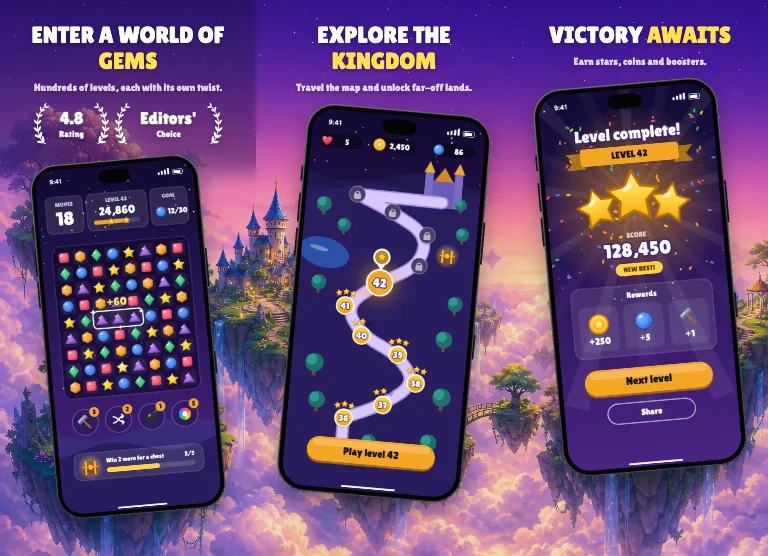
Screen by screen
Screen 1 Enter a world of gems
- Caption above the phone
- Tilted 5° to the left
- Laurel badges
Screen 2 Explore the kingdom
- Caption above the phone
- Tilted 5° to the right
Screen 3 Victory awaits
- Caption above the phone
- Tilted 5° to the left
Screen 4 Daily treasure
- Caption above the phone
- Tilted 5° to the right
What the look is made of
- CaptionLilita One Regular, in capitals, centred, one word in the highlight colour
- ColoursBackground
#1d1440Text#ffffffHighlight#ffe14d - BackgroundA photo that comes with the template
- PanoramaOne picture runs across every screen. How panoramic screenshots work
- PhoneReal device frame
#1b1b22, shadow 85%, dissolves into the background where it leaves the screen (45%) - RhythmA first screen of its own, then 2 screens that repeat for as many screenshots as you add.
Every part stays editable in the editor, and a brand kit swaps in your colours and font.
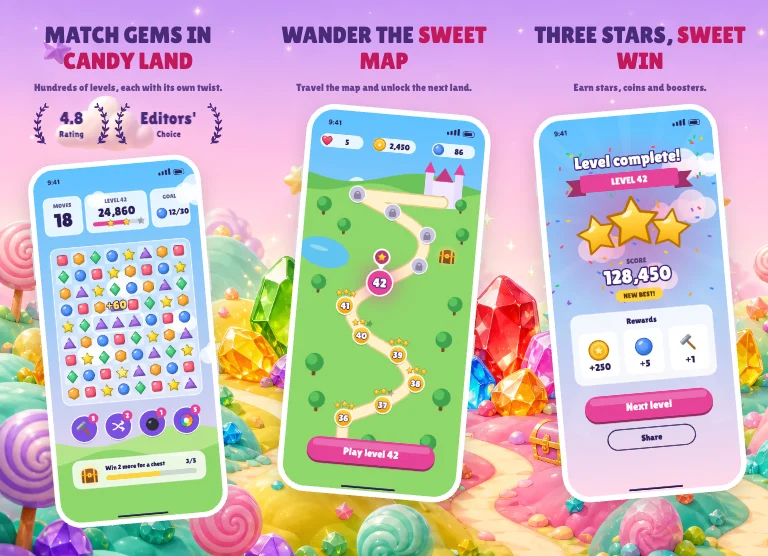 Gem Land
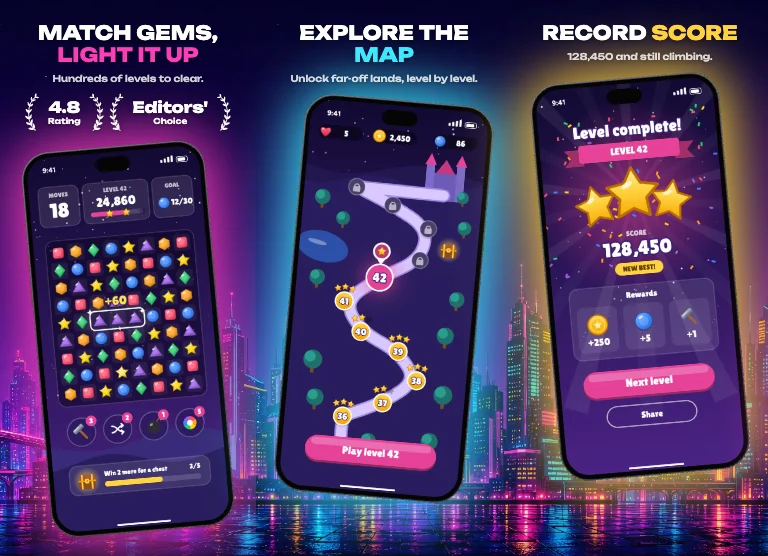 Night City
 Arcade